Marketing OperationsAugust 10, 2026By Yash
Review and Reputation Management: A Small Business Playbook
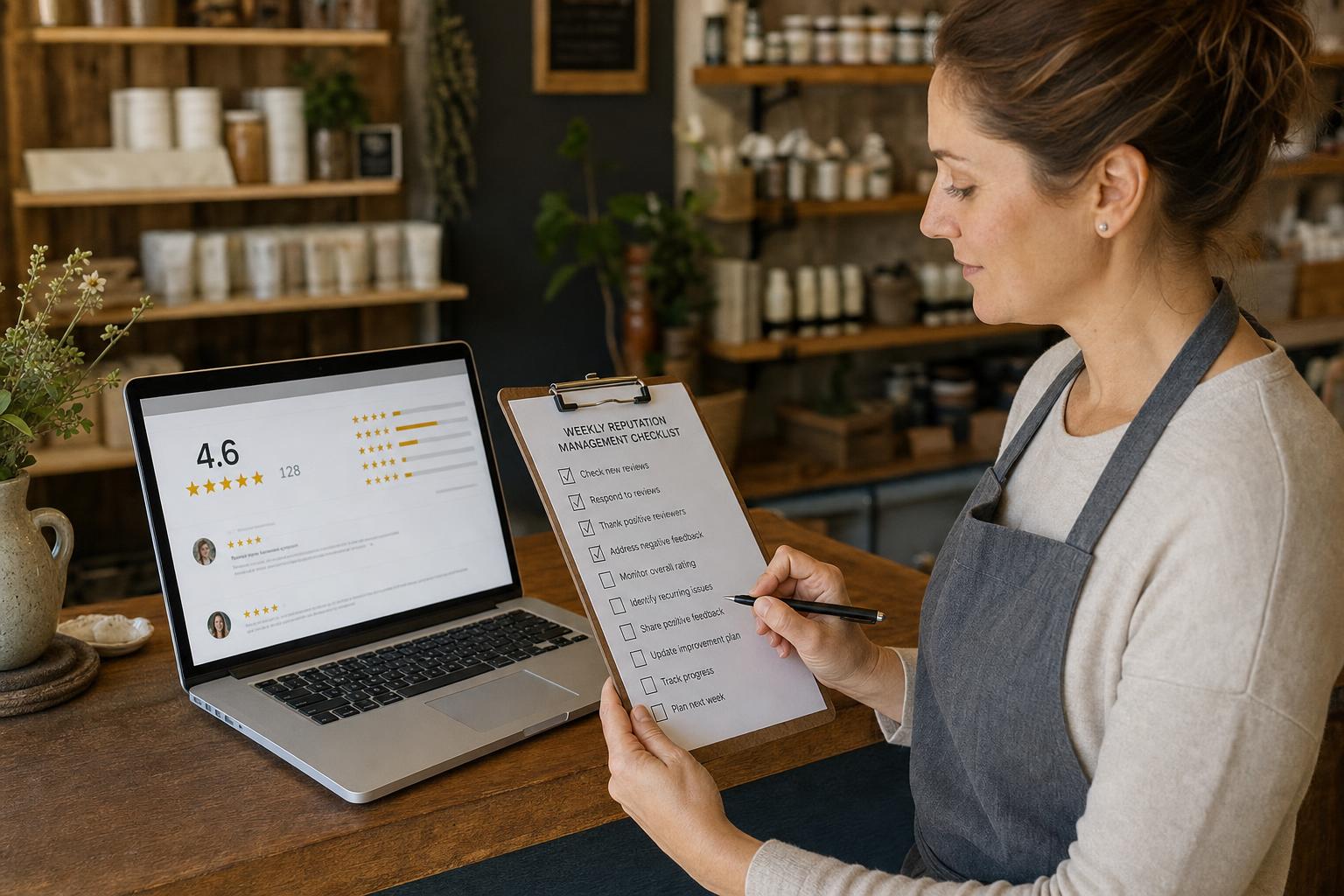
Reputation management for a small business comes down to four repeatable operational habits: asking for reviews the right way (without violating platform rules), replying to every review with a real, specific response, knowing exactly how to dispute a genuinely fake or unfair one, and doing all three on a cadence you can actually sustain — not a burst of effort once a quarter. This guide is that playbook: the scripts, the platform-specific rules, the response templates, and the weekly/monthly schedule, in one place, for running it yourself. If you'd rather hire outside help to build press relationships and manage reputation at scale instead, see how to vet a PR or reputation agency.
This isn't the "why reviews matter" argument — for the revenue case (a one-star rating increase measurably moving revenue for independent businesses) and the ranking-factor mechanics (exactly how review count, recency, and velocity move your position in Google's local pack), those are covered in depth in how to choose a marketing agency for small business and how reviews affect local rankings. This post assumes you're already convinced and want the actual week-to-week operating system.
Key Takeaways
- Offering any incentive — a discount, freebie, or removal request — in exchange for a review violates Google's policy outright, and as of 2026 Google has also banned staff from soliciting a specific number of reviews or reviews that mention specific content.1
- Yelp's policy goes further than Google's: don't ask for reviews at all, from anyone, in any form — its detection software actively filters out reviews that look solicited.2
- The FTC's federal rule banning fake and incentivized reviews took effect October 21, 2024, with penalties up to roughly $51,744 per violation — this applies to every small business, not just large brands.3
- SMS review requests see roughly a 34% completion rate versus about 4.2% for email, per one review-request platform vendor's data — channel choice alone is one of the biggest levers you control.4
- 53% of consumers expect a reply to a negative review within a week, and 1 in 3 expect one within three days, per ReviewTrackers' industry benchmark research — response speed is now a measured consumer expectation, not a nice-to-have.5
In this guide:
- The legal basics: what you can and can't do when asking for reviews
- How to actually ask for a review
- How to respond to a positive review
- How to respond to a negative review
- When a review is genuinely unfair or fake
- A weekly and monthly cadence you can actually sustain
- FAQ
The Legal Basics: What You Can and Can't Do When Asking for Reviews
Before any request script or response template, get the compliance layer right — it's the part most small business owners skip, and it's the part that gets a profile penalized or a business fined.
Google. Google's policy is explicit: merchants may not "offer incentives — such as payment, discounts, free goods and/or services — in exchange for posting any review or revision or removal of a negative review."1 Two newer clauses, added in 2026, close gaps businesses were quietly exploiting: Google now also prohibits "merchants requesting that staff solicit a certain number of reviews" (quotas, per-technician contests) and "merchants requesting that staff solicit reviews that include specific content" (for example, asking customers to name a specific staff member).1 What's still allowed: asking a genuine customer, without any incentive attached, to leave an honest review of their real experience.1
Yelp. Yelp's rule is simpler and stricter — don't ask at all. Its guidelines state plainly: "don't ask anyone to review your business, be it customers, mailing list subscribers, friends, family, etc."2 This isn't just a suggestion; Yelp's automated system is built to detect and suppress reviews that look prompted or encouraged, whether or not an incentive was involved. Yelp reserves its most visible penalty — a public Consumer Alert banner on your business page — for a step further than plain solicitation: offering any incentive (payment, discounts, free goods) in exchange for a review.2 If you run a multi-platform request campaign (email, text, in-store signage), exclude Yelp entirely rather than risk it.
Facebook/Meta. Meta doesn't publish a solicitation ban as explicit as Yelp's, but reviews and Recommendations still fall under its Community Standards — recommendations that don't reflect a genuine experience, or that were solicited through fake engagement, are removable on report.
The FTC (all platforms, US businesses). Underneath all of the platform-specific rules sits a federal one that applies regardless of platform: the FTC's final rule on fake and deceptive reviews, effective October 21, 2024. It bans creating or buying fake reviews (including AI-generated ones), offering compensation conditioned on a review's sentiment, undisclosed reviews from insiders (employees, managers, relatives), review-suppression tactics like threatening removal of negative reviews, and buying fake social engagement metrics.3 Violations carry civil penalties up to roughly $51,744 each — and the rule applies to a five-location local business exactly as much as it applies to a national chain.3
| Platform / Rule | What's Prohibited | What's Allowed |
|---|---|---|
| Any incentive for a review; staff quotas; requesting specific content | Asking a genuine customer for an honest review, no incentive attached | |
| Yelp | Asking anyone to review, in any form, incentivized or not | Providing a great experience and letting reviews happen organically |
| Facebook/Meta | Fake engagement, reviews not tied to a real experience | Genuine Recommendations from real customers |
| FTC (federal, all platforms) | Fake reviews, sentiment-conditioned incentives, undisclosed insider reviews, suppression of honest negative reviews | Removing genuinely defamatory, vulgar, or off-topic content |
The practical rule that satisfies all four at once: ask (except on Yelp), never incentivize, never specify what the review should say, and never threaten or trade anything for removal.
How to Actually Ask for a Review (Timing, Channel, and Script)
Timing. Ask while the experience is still fresh, not weeks later. For a service business, that means within 1-4 hours of the appointment or job completion; for retail or e-commerce, within 24 hours of pickup or delivery. Waiting longer doesn't just lower response rates — it also works against the recency and velocity signals that keep a profile looking active, since a request batched up and sent all at once produces a cluster of reviews on one day instead of the steady trickle that reads as genuine.
Channel. The gap between text and email is large enough to change which one you should default to. SMS-versus-email completion-rate data from one review-request platform vendor puts SMS around 34% against roughly 4.2% for email — a single-source figure, not an independent study, but directionally consistent with the broader pattern that SMS gets read fast, with the large majority of texts opened within a few minutes of arrival.4 That doesn't mean drop email entirely: some customers have opted out of texts, and email remains the fallback channel. But if you can only automate one channel first, make it SMS, and get explicit opt-in consent before texting, both because it's the right thing to do and because unsolicited commercial texting has its own separate compliance requirements.
The script. Keep the ask itself short, name the platform, and make leaving a review a one-click action wherever possible (a direct review link, not "search us on Google").
"Hi [Name], thanks for [choosing us / your visit] on [date]. If you have a minute, a quick Google review helps other [local] customers find us: [direct link]. Thank you!"
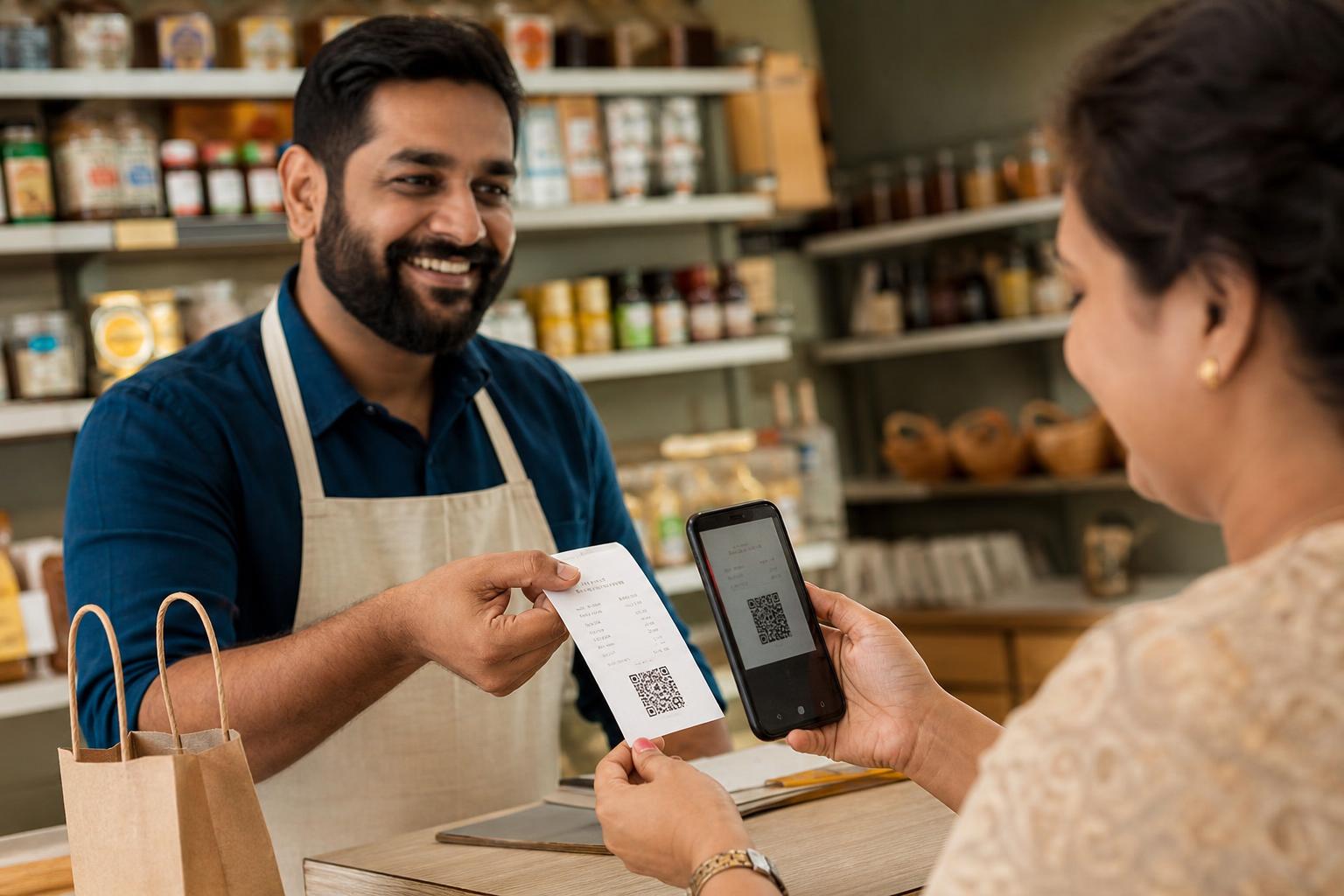
Two things matter more than the exact wording: never mention what the review should say, and never mention a reward for leaving one — both cross the line covered in the legal section above. If you want a physical, in-store version of the same idea, a printed QR code on a receipt or at the counter that links directly to your review page removes friction without becoming a verbal ask that could be seen as pressuring a customer while they're still on-site.
How to Respond to a Positive Review
A positive review is easy to under-invest in, but a generic "Thanks!" wastes a response that could reinforce specific selling points for the next reader browsing your profile. The pattern: thank the customer by name, reference something specific they mentioned, and reinforce a detail a future customer might care about.
Weak (generic, templated):
"Thank you for your review! We appreciate your business."
Better (specific, real):
"Thanks so much, Priya — really glad the same-day repair worked with your schedule. We keep a same-day slot open most weekdays specifically for situations like yours, so don't hesitate to call ahead next time. See you again soon!"
The second version does something the first doesn't: it signals a real, checkable service detail (same-day slots) to anyone reading the review later, not just to the original reviewer. That's the same principle that makes negative-review responses valuable — future customers read your responses as much as the reviews themselves.
How to Respond to a Negative Review
This is where response quality does the most work, and where a templated reply is most visible as a templated reply. The reliable structure: acknowledge specifically, don't get defensive, take ownership where it's warranted, and move resolution off the public thread.
Weak (defensive, generic):
"We're sorry you feel this way. We stand by our service and disagree with this review."
Better (acknowledges, specific, moves to resolution):
"Hi James, thank you for the honest feedback — I'm sorry the wait on Saturday didn't match what we should've delivered. We were short-staffed that afternoon, which isn't an excuse, just context, and we've since adjusted our weekend scheduling. I'd like to make this right directly — please call or email me at [contact] and I'll personally sort it out."
That response does four specific things: names the customer, names the exact issue instead of a vague reference to "your experience," gives honest context without sounding like an excuse, and offers a real path to resolution instead of leaving the thread as the final word. Consumers read negative-review responses deliberately — a large share of shoppers specifically seek out the negative reviews and a business's replies to them before deciding, which makes the response itself part of your pitch, not just customer service.6
AI drafting tools built into reputation platforms can speed up this step — see the AI tools small businesses are actually using for what's genuinely good and weak about them — but an unedited AI draft is exactly the kind of "obviously generic" response that undermines the specificity this section is built around. Read every draft before it posts.
| Do | Don't |
|---|---|
| Use the reviewer's name and reference their specific issue | Copy-paste the same reply across multiple reviews |
| Acknowledge what went wrong, even partially | Argue the facts publicly or call the reviewer wrong |
| Offer a direct contact for resolution | Leave resolution implied ("we'll look into it") with no next step |
| Keep it short — 3-5 sentences is enough | Write a long defensive justification of your business practices |
| Respond even when you can't fully resolve it | Stay silent because there's no easy fix |
Response speed matters on top of response quality. In ReviewTrackers' benchmark study of over 48,000 business locations, top-10%-performing businesses in hospitality respond in about 1.2 days on average against an industry average of 6.9 days, and top performers in the restaurant category respond in 1.6 days against an average of 5.1 days — and those faster-responding businesses carry meaningfully higher average star ratings than their industry overall.5 Consumer expectations track close behind: 53% expect a response within a week, and a third expect one within three days.5 The response-time benchmark covers a 12-month period from Q2 2020 to Q1 2021, published in ReviewTrackers' 2022 report — dated, but it remains the most detailed public industry breakdown available and the standard reference point for setting your own response-time target; treat "within 48 hours, every review" as a realistic baseline for a solo owner or small team.
When a Review Is Genuinely Unfair or Fake: The Platform-by-Platform Dispute Process
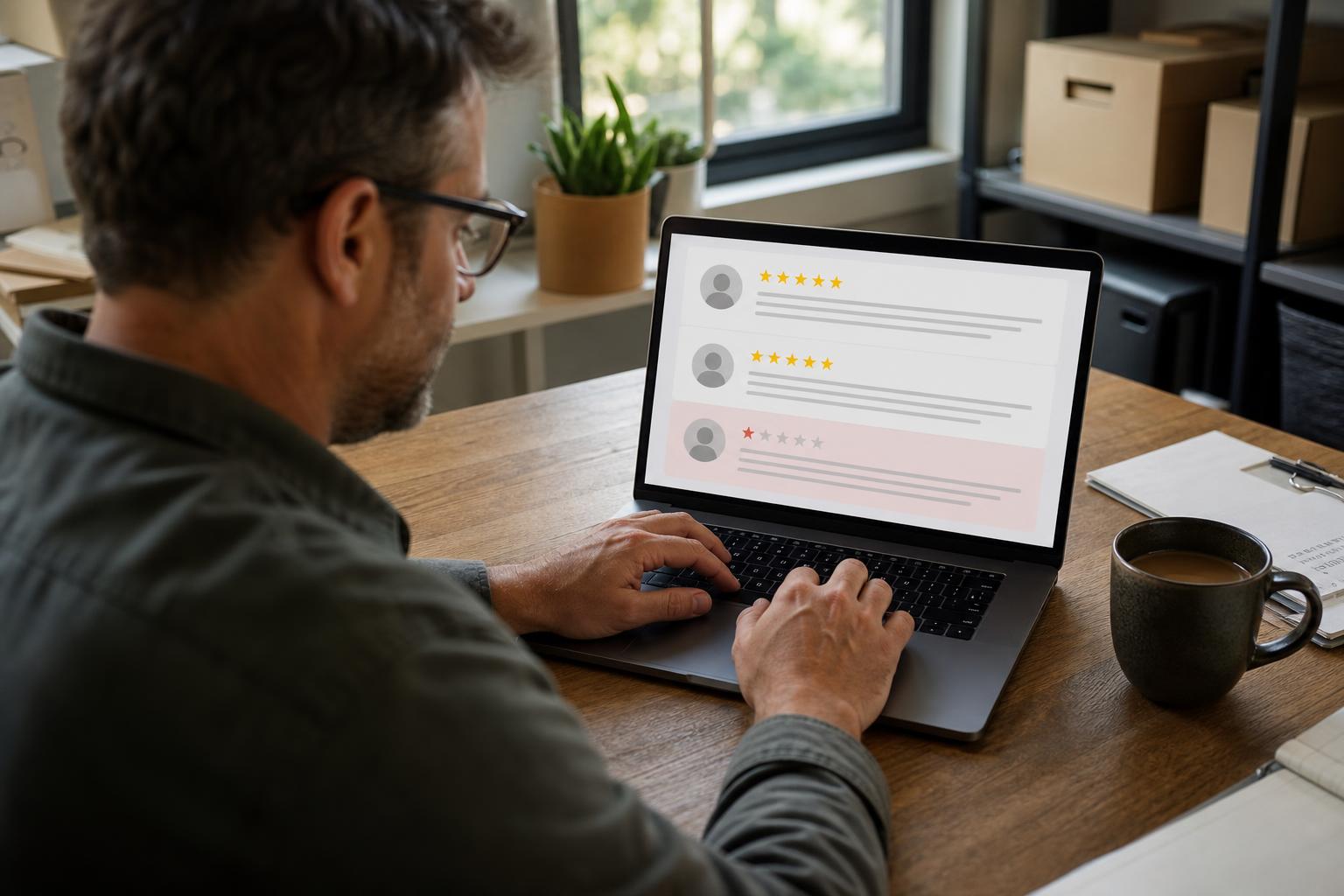
Responding is the right move for a real customer's bad experience. It's not the right move for a review that's fake, from a competitor, from someone who was never a customer, or that violates a platform's own content rules — those should be disputed directly, not answered as if legitimate.
Google. From your Google Business Profile dashboard, Google Maps, or Google Search, open the review, click the three-dot menu, and select "Report review." Choose the category that most precisely matches the violation — "spam" is the default option, but if you know the reviewer is a former employee or a competitor, "conflict of interest" is the more accurate category, and reviews containing profanity or threats fit "harassment" better. Flagging alone can be slow; opening a support case in parallel (Google Business Profile Help → Contact us → "Reviews and photos" → the relevant issue type) gets a human involved faster than the flag queue alone. As of April 2026, Google also added an automatic safeguard: when its systems detect a sudden spike of spam reviews hitting one profile, it now removes the flagged content, temporarily pauses new reviews on that profile, and posts a notice explaining why — a response to review-bombing incidents rather than something you need to trigger manually.7
Yelp. From your Yelp for Business account, find the review, click the three-dot menu, and choose the violation category that fits — threats, harassment, hate speech, or a clear conflict of interest (an employee, relative, or competitor posting under a personal account). Yelp evaluates the report against its own content guidelines and either removes the content or moves it to the "Not Recommended" section, which is visible but demoted; this can take several days, and not every report results in removal, since Yelp's default posture leans toward keeping content up unless it clearly violates a specific rule.
Facebook. Facebook doesn't let a business remove another person's review directly — only the original author can delete their own post. Instead, use "Report" on the specific Recommendation from your Page's Reviews tab; Facebook evaluates it against Community Standards and removes content confirmed as spam, hate speech, harassment, or not reflecting a real interaction with your business. Before reporting, it's worth publicly and calmly commenting on the review first — professional visibility on an unfair review, even one you can't get removed, does real work with anyone else reading it.
Across all three platforms, the same instinct applies: don't spend energy contesting a review just because it's negative. Reserve disputes for reviews that are actually fake, from a non-customer, or that violate a specific stated policy — and put your response-writing energy (previous section) into the reviews that are real but unflattering, since those are far more common and far more worth engaging with directly.
A Weekly and Monthly Cadence You Can Actually Sustain
The playbook above only works if it runs on a schedule instead of getting rediscovered every few months after a bad review shows up unanswered. This cadence is sized for a solo owner or a small team without a dedicated reputation-management hire.
| Frequency | Task | Time Needed |
|---|---|---|
| Daily (or every other day) | Check for new reviews across Google, Yelp, and Facebook; respond to anything urgent (a very negative or clearly fake review) | 5-10 minutes |
| Weekly | Respond to every review received that week, positive and negative, within the target response window; send review requests to that week's completed jobs/orders | 20-30 minutes |
| Weekly | Scan for any review that looks solicited, fake, or from a non-customer; flag anything that clearly violates platform rules | 5 minutes |
| Monthly | Review your overall rating trend and response-rate percentage across platforms; note any recurring complaint theme worth fixing operationally, not just responding to | 15-20 minutes |
| Monthly | Confirm your review-request script, direct links, and any signage or QR codes are current and still compliant with each platform's latest policy | 10 minutes |
That's roughly 30-45 minutes a week and one focused half-hour a month — sustainable for an owner running the whole operation alone, and easy to hand to a single team member once the business grows past that point. The businesses that fall behind on reputation management almost never do it because the workload is heavy; they do it because there's no fixed slot for it on the calendar, so it gets bumped every week by something that feels more urgent. Put it on the calendar like you would a supplier call, and it stops competing with everything else for attention.
If review response is one piece of a broader Google Business Profile routine, the Google Business Profile optimization checklist covers where this cadence fits alongside photos, posts, and profile-completeness maintenance — worth pairing with this playbook if reputation management is the last piece of your local presence you haven't systemized yet.
Frequently Asked Questions
Can I offer a discount for a Google review?
No. Google's policy explicitly prohibits offering any incentive — payment, discounts, or free goods or services — in exchange for posting, revising, or removing a review, and the FTC's federal rule bans conditioning any reward on a review's sentiment as well.1,3 Ask for honest reviews without attaching anything to them.
Should I ask customers for reviews on Yelp?
No. Yelp's policy is stricter than every other major platform's: don't ask anyone to review your business, in any form, incentivized or not.2 Its detection software actively filters out reviews that appear solicited, and repeated violations can trigger a public Consumer Alert on your page. Let Yelp reviews happen organically.
How fast should I respond to a negative review?
Treat 48 hours as a realistic target for a small business. Industry benchmark data shows top-performing businesses in hospitality and restaurants respond in roughly 1.2-1.6 days on average, and over half of consumers expect a reply within a week.5 Faster isn't just about expectations — a public negative review with no response reads as unresolved to every future reader, not just the original one.
What do I do about a fake review from a non-customer?
Report it through the platform's own flagging process rather than responding to it as if it were genuine. On Google, use "Report review" and select the closest violation category (spam, conflict of interest, harassment); on Yelp, flag it through your business account for review against content guidelines; on Facebook, use the "Report" option on the specific Recommendation. None of the three platforms lets a business unilaterally delete another user's review — the flag-and-review process is the actual mechanism.
How much time does reputation management realistically take each week?
For a solo owner or small team following the cadence in this guide, roughly 30-45 minutes a week plus one 20-30 minute monthly review — daily quick checks, weekly responses and requests, and a monthly trend check. The workload is genuinely light; the failure mode is skipping it without a fixed weekly slot, not the time it takes once it's on the calendar.
If you'd rather have this whole cadence run for you — requests sent on schedule, every review answered within your target window, and disputes filed the moment something looks fake — get in touch and we'll walk through what that would look like for your business.
Want more like this in your inbox?
Occasional, practical marketing advice for local service businesses. No spam.
References (7)
- 1.Google Business Profile Help — Prohibited and restricted content policy — incentivized reviews ban and the 2026 staff-solicitation clauses (added April 2026), verified against the live policy page
- 2.Yelp for Business — Don't Ask for Reviews — official Yelp for Business guidance; the Consumer Alerts program specifically covers incentivized reviews and manipulation, not plain solicitation
- 3.Federal Trade Commission — Final rule banning fake reviews and testimonials, effective October 21, 2024; penalty and prohibited-practice detail cross-checked against Holland & Knight's legal summary
- 4.Apptoto — SMS vs. email review-request completion-rate data and timing guidance — single-vendor data, not an independent study
- 5.ReviewTrackers — Online Reviews Survey, published January 2022; response-time benchmarks (n=48,000+ business locations) cover Q2 2020-Q1 2021
- 6.Podium — Online review statistics — negative-review-search behavior and business response-rate data
- 7.Google (The Keyword) — New ways we're protecting businesses on Maps, April 2026 — official announcement of the automatic spam-spike detection, removal, and profile-pause safeguard

Written by
Yash · Creative Specialist
Builds the creative and content that gets your business noticed.